

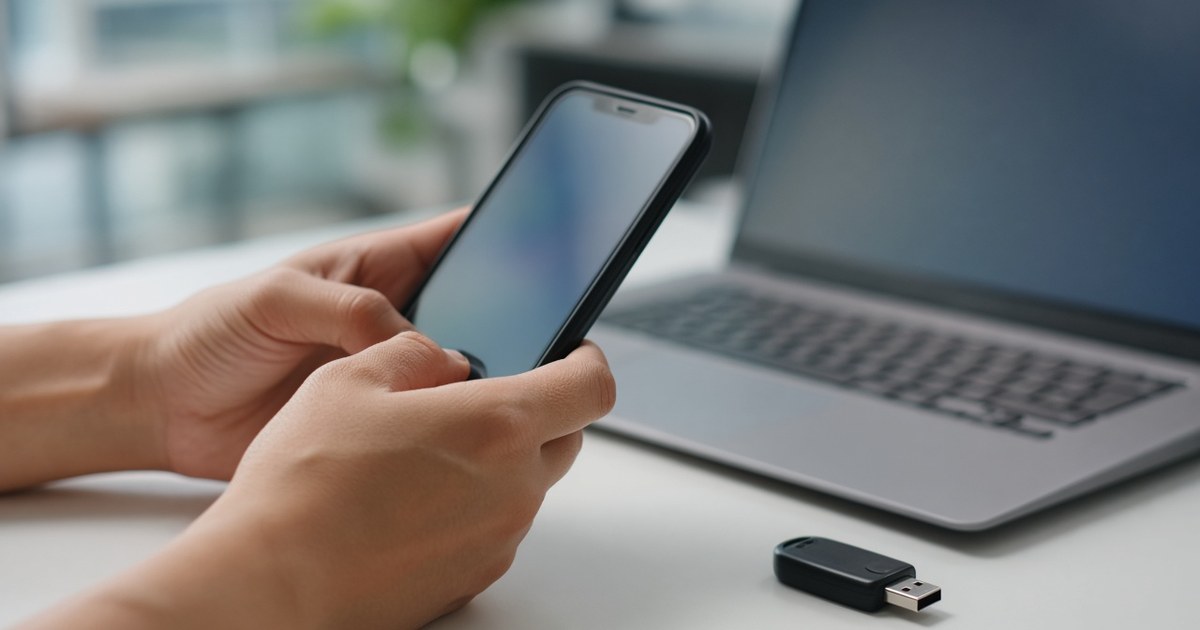
A passkey is a password replacement: a cryptographic key stored on your phone, computer or a hardware security key, which you unlock with your fingerprint, face, PIN or pattern. Because each passkey only works on the website or app it was created for, it is far harder to steal through phishing than a password or a one-time code.
Banks, payment apps, email providers and online stores increasingly offer passkeys. Here is how they work, why they matter for fintech and online security, and how to start using them.
How do passkeys work?
Passkeys are based on open standards from the FIDO Alliance and the WebAuthn web standard. When you create a passkey, your device generates a pair of keys:
- a private key, which stays on your device or in your password manager and is never sent to the website;
- a public key, which the website stores against your account.
When you sign in, the website sends a one-off challenge. Your device asks you to unlock it, signs the challenge with the private key, and the website checks the signature with the public key. No shared secret travels over the internet, so there is no password for an attacker to intercept or for a data breach to expose.
What is the difference between synced and device-bound passkeys?
According to the FIDO Alliance, passkeys can be synced securely across your devices (for example through your phone’s or browser’s password manager) or device-bound, staying on one device such as a hardware security key. Synced passkeys are more convenient; device-bound passkeys are often preferred for high-security accounts.
Why are passkeys more secure than passwords?
They resist phishing
The FIDO specifications state that every passkey is unique and bound to the online service’s domain. A fake login page on a look-alike domain simply cannot use the passkey you created for the real site, even if you are fooled by it.
They are always strong and never reused
People reuse weak passwords. A passkey is generated by your device, so it is always strong and different for every service. A breach at one website does not put your other accounts at risk.
They beat one-time codes
SMS and app codes are better than a password alone, but a convincing fake page can still trick you into typing them. The OWASP Passkey Security Cheat Sheet notes that NIST’s digital identity guidelines do not treat manually entered codes, such as OTPs, as phishing-resistant.
Why do passkeys matter for banking and fintech?
Financial accounts are a prime target for phishing and account takeover. Passkeys help in several ways:
- Fewer stolen logins: there is no password for a scam message to collect.
- Faster sign-in: customers approve with a fingerprint or face scan instead of typing a password and waiting for a code.
- Stronger payment authentication: card networks already build on similar technology; Mastercard, for example, lists Payment Passkeys among its tokenised payment products.
Are there any limits to passkey security?
Passkeys are a big step forward, but they do not fix everything. The OWASP guidance points out that passkeys do not by themselves prevent:
- an attacker who already has access to your signed-in session adding their own passkey;
- a weak account recovery process that lets someone bypass the passkey;
- a compromised device, or a compromised account used to sync your passkeys.
That is why protecting your phone, your password manager and your email account still matters.
How do I start using passkeys?
- Update your phone, computer and browser to their latest versions.
- Turn on a screen lock with a PIN, fingerprint or face unlock.
- Open the security settings of an important account, such as email or banking, and look for an option to create a passkey.
- Follow the prompts and choose where to save it: your device, your password manager or a security key.
- Test signing in with the passkey before removing other sign-in methods.
- Review your account recovery options and keep them secure.
Checklist for businesses adding passkeys
- Use well-maintained WebAuthn libraries rather than building cryptography yourself.
- Offer passkeys as an option at sign-up and in account settings.
- Avoid silently falling back to weaker methods when a passkey sign-in fails.
- Harden account recovery, since attackers will target the weakest path.
- Explain passkeys in plain language so customers feel confident switching.
Security is just as important when AI starts making purchases for us; read our guide to agentic commerce and how AI agents pay, or browse more articles in Codelude news.
Frequently asked questions
Can a passkey be stolen?
The private key is designed never to leave your device or password manager, and it only works on the site it was created for. Your device or sync account could still be compromised, so keep them locked and updated.
Does the website get my fingerprint or face data?
No. The FIDO Alliance states that biometric information, if used, never leaves your device. The fingerprint or face scan only unlocks the passkey locally.
What happens if I lose my phone?
If your passkeys are synced, they are available on your other signed-in devices. If they are device-bound, you will need another sign-in method or a backup security key, so set one up in advance.
Should I still use a password manager?
Yes. Many sites do not support passkeys yet, and many password managers now store passkeys too.
At Codelude, we build software products with secure, passwordless sign-in in mind.




One Comment